

How it Works

From your mobile phone, go to our Deals & Discounts page via an internet browser or use our free mobile app to see if your favorites are a part of the club. Enter a keyword for what you are looking for where it says “Search for…”, then click on the blue search button. Additionally, you can further narrow down your search results by using the location option by tapping where it says “Near…” and allowing the app to use your location or enter your zip code.
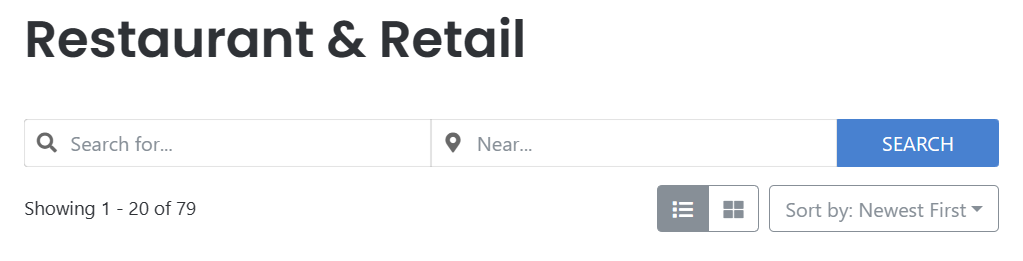
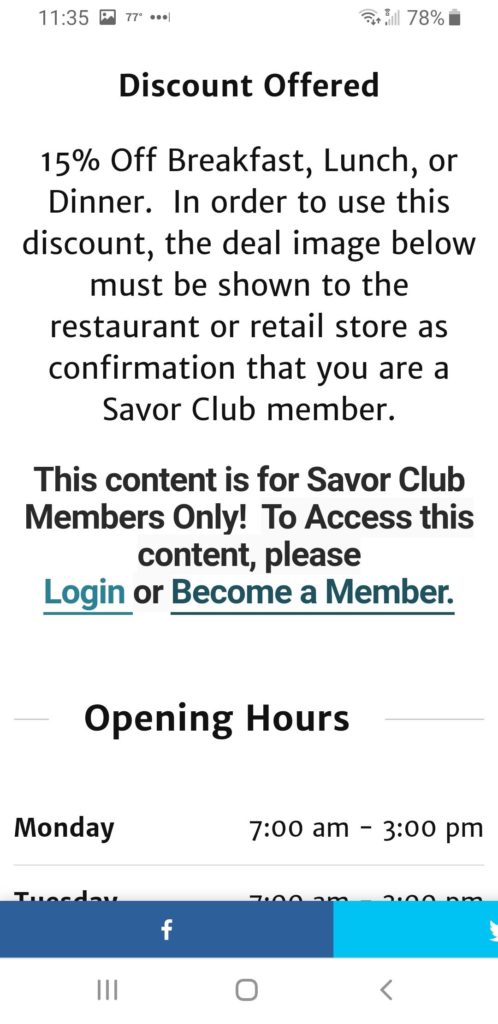
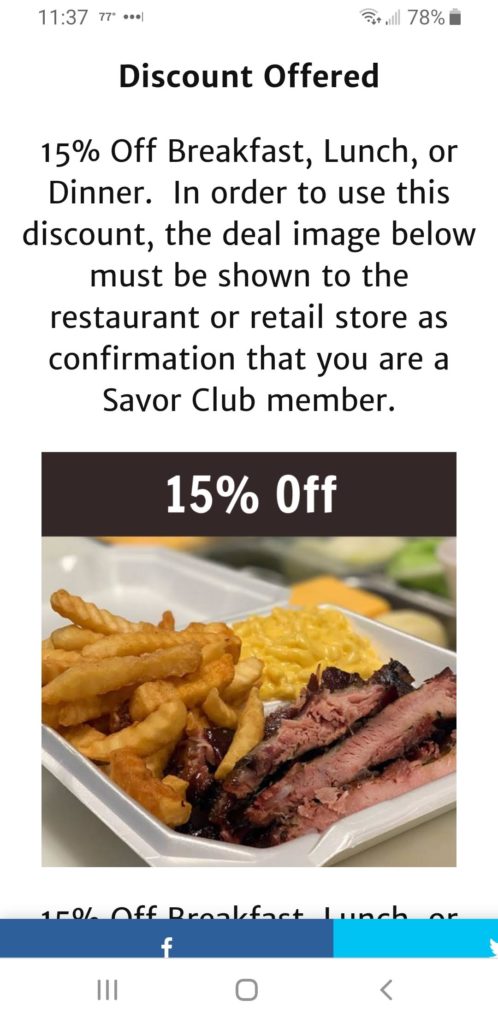
Once you find a restaurant or retail store you are interested in, Tap/Click on the business name, then scroll down to the “Detailed Information” section to see the discount they offer. In order to use the discounts, you must be a valid Savor Club member and be logged in to access the “Deal Image”. Showing the “Deal Image” to the restaurant or retail store confirms that you are a valid member, and they will honor the discount or deal. Images below show non Savor Club Member view (Left) and Savor Club Member view (Right).
All deals and discounts are good for each and every time you visit! If you dine out at least once per week, our members save on average up to $240 per year!

Still have questions about how our Savor Club Membership works?
Please visit our Frequently Asked Questions page for more detail. You can also send us a message via our Contact Us page with any questions.